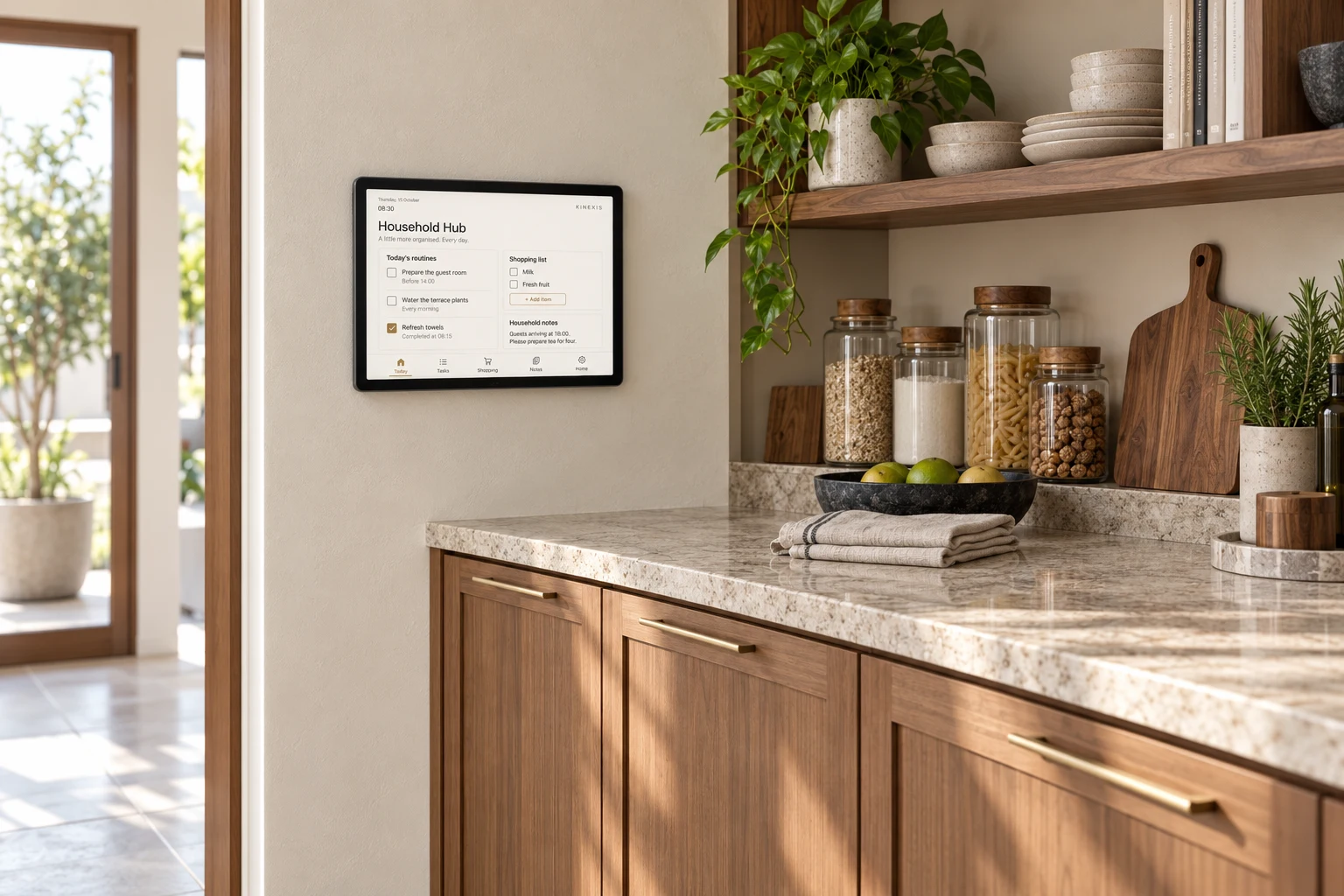
A well-run home takes more than the right lighting. Household Hub brings routines, requests and shopping lists together for your family and household team.
Concept rendering • Approx. 10-inch PoE tablet. Interface and functions tailored to the household.
01
An organised morning
Daily routines are easy to find. Your household team can read instructions and mark tasks complete.
02
A request remembered
Guests coming over? Add a room preparation request from your phone and see when it is complete.
03
One shared shopping list
Coffee running low? Add it to the shared list and tick it off when it is purchased.
Designed around how your household works
Daily and weekly routines, guest preparation, maintenance reminders and household requests can be designed into one interface. Access is tailored to each role, keeping private information off shared screens.
Home Assistant integration, remote access, English/Indonesian options and compatible PoE hardware are specified and tested for each project.
Your home does not need to run at full power to feel its best. Understand its consumption, then match lighting and cooling to what is actually needed.
07:00
Let daylight do its part
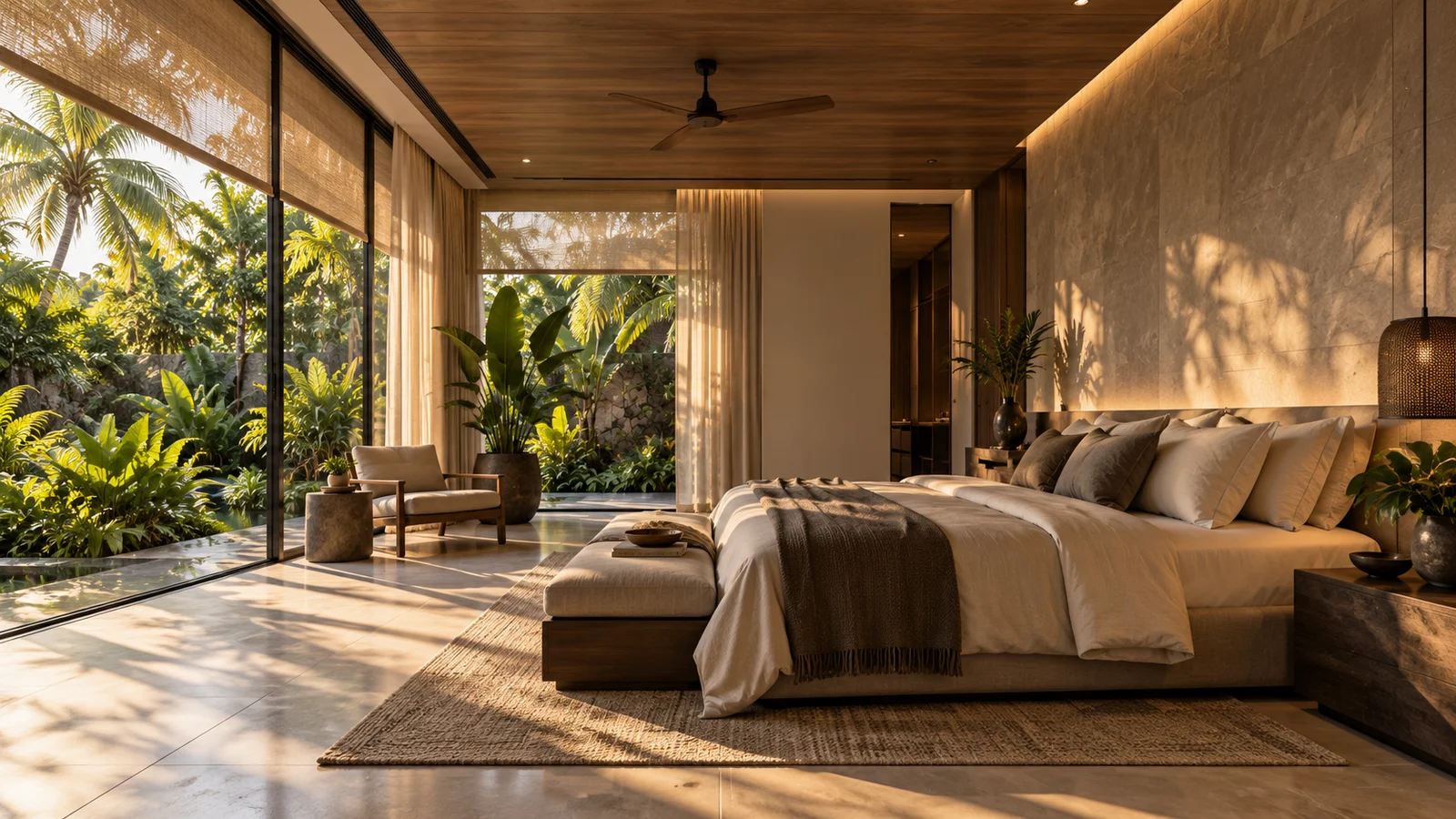
A light-level sensor helps lighting respond to natural daylight. Worktops stay bright enough without every light running at 100%.
Daylight / lux sensing
09:00
Let an empty home change pace
Lights in unused rooms turn off after a suitable delay. Cooling follows an away setting with appropriate temperature and humidity limits.
Presence + climate control
Sunset
Follow the sun, not a fixed clock
Outdoor lighting follows sunset and sunrise. Decorative lights can dim later while essential paths remain safely lit.
Sunrise / sunset schedules
20:00
Match the light to the moment
Cooking, dining, watching a film and walking through a corridor at night need different levels of light. Full brightness remains available when needed.
Scenes + dimming
Measure. Adjust. Review.
With suitable metering, see what cooling, lighting and other monitored circuits consume. Spot unnecessary running hours, prioritise improvements, then compare consumption before and after changes while accounting for weather and occupancy.
Monitoring alone does not save energy. Results depend on equipment, use and configuration. A 50% brightness setting does not mean 50% electricity savings. Manual control remains available; lighting and AC compatibility are assessed first.
We’re preparing an assessment service to analyse consumption and compare improvements—so you can understand costs, potential savings and payback before investing.
Smart-home integration is optional. Assessments are not yet open for booking.
Bills, operating patterns and relevant measurements.
02
Compare improvements
Lighting, cooling, hot water, pumps, solar and more.
03
Evaluate the investment
Upfront costs, maintenance, electricity-price scenarios and payback.
Potential savings depend on site conditions and verified assumptions.
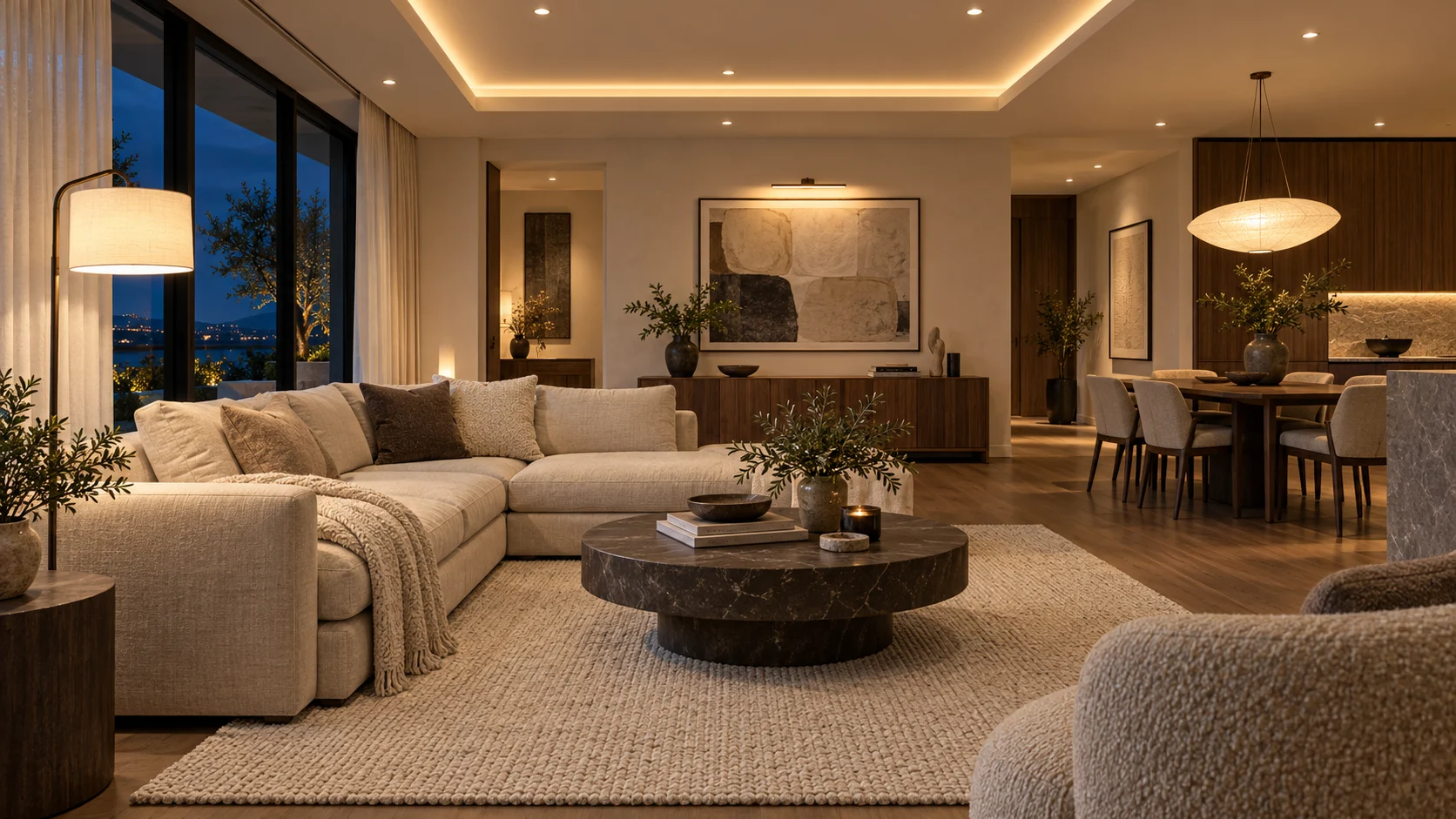
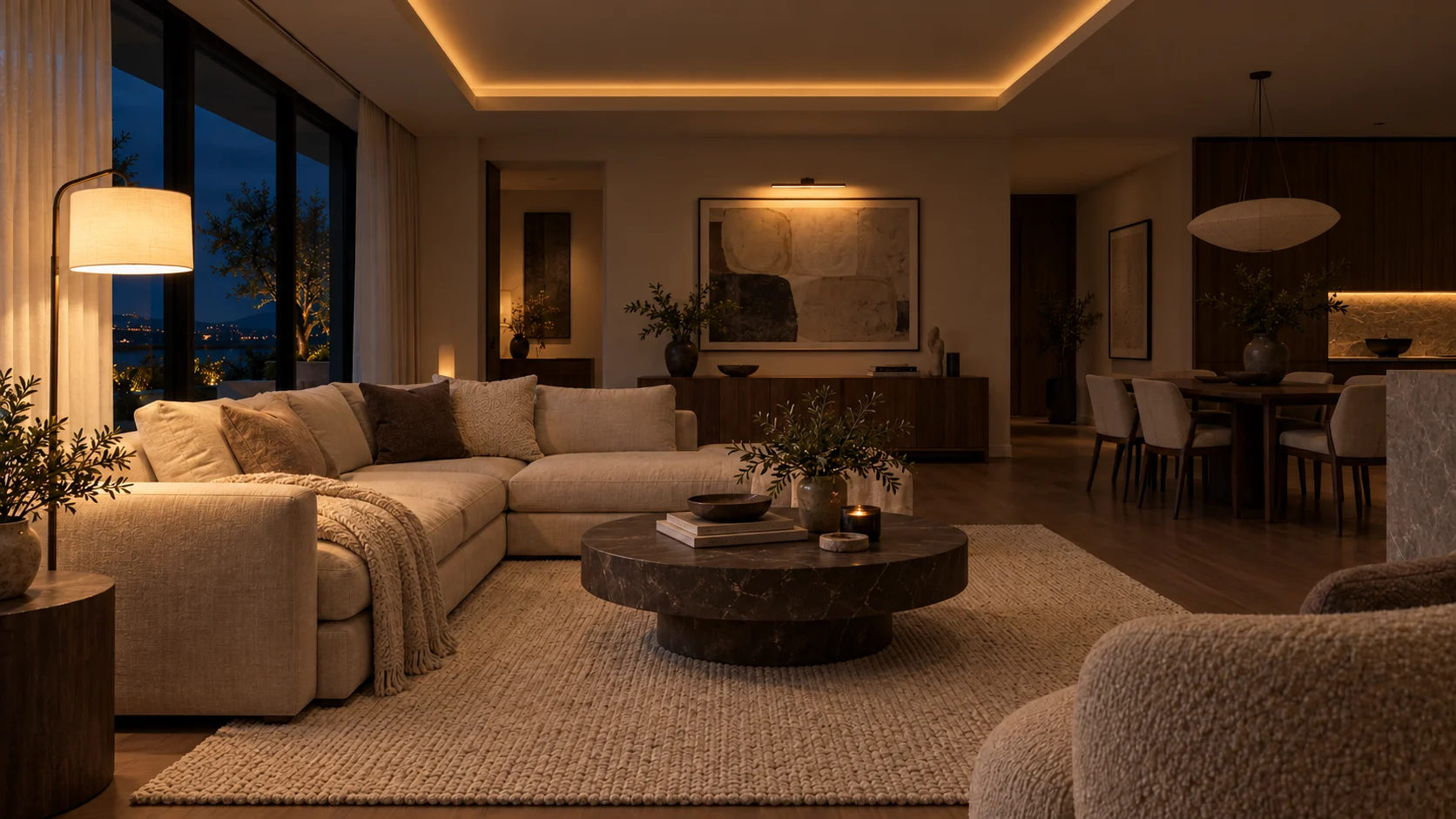
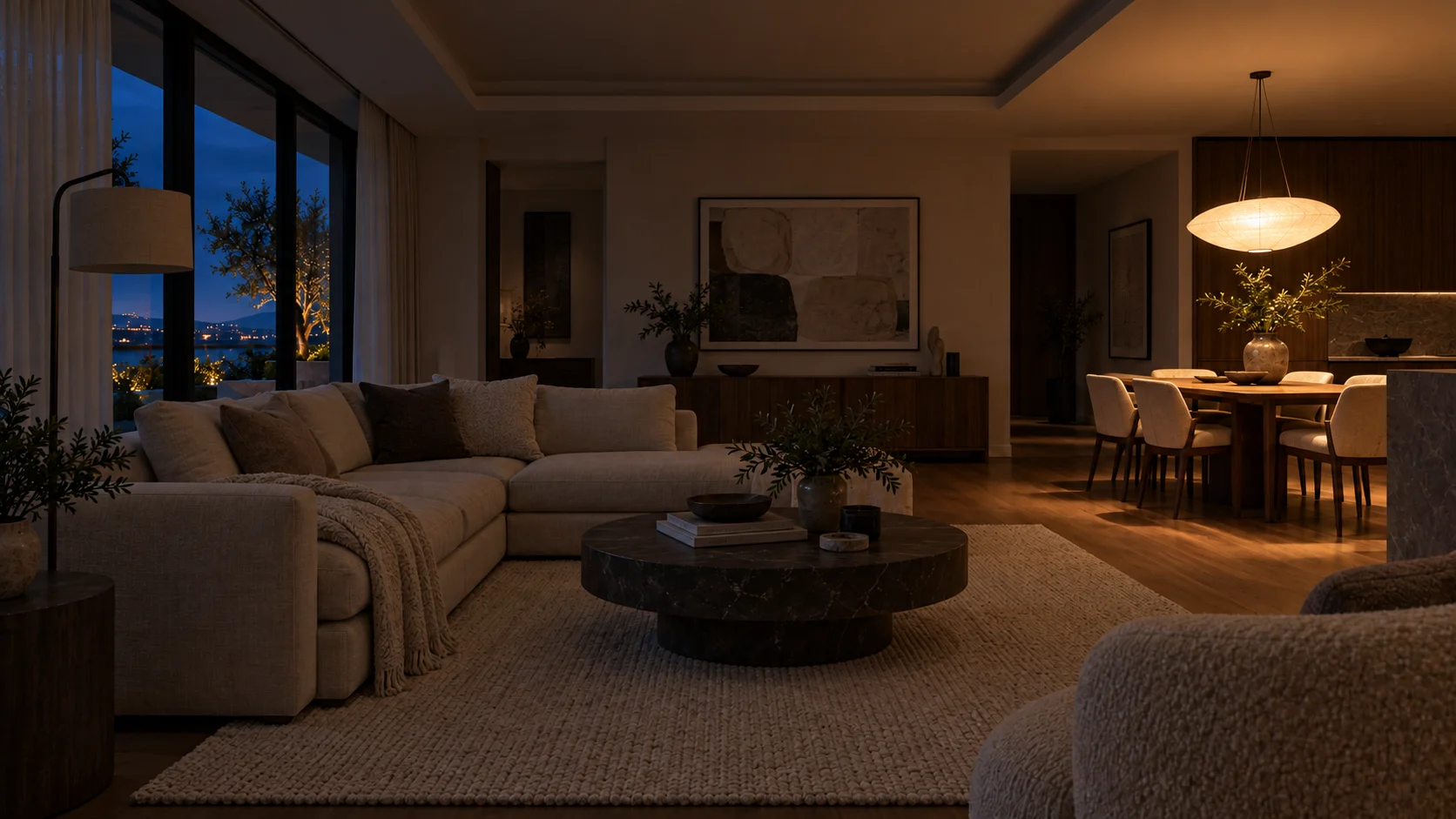
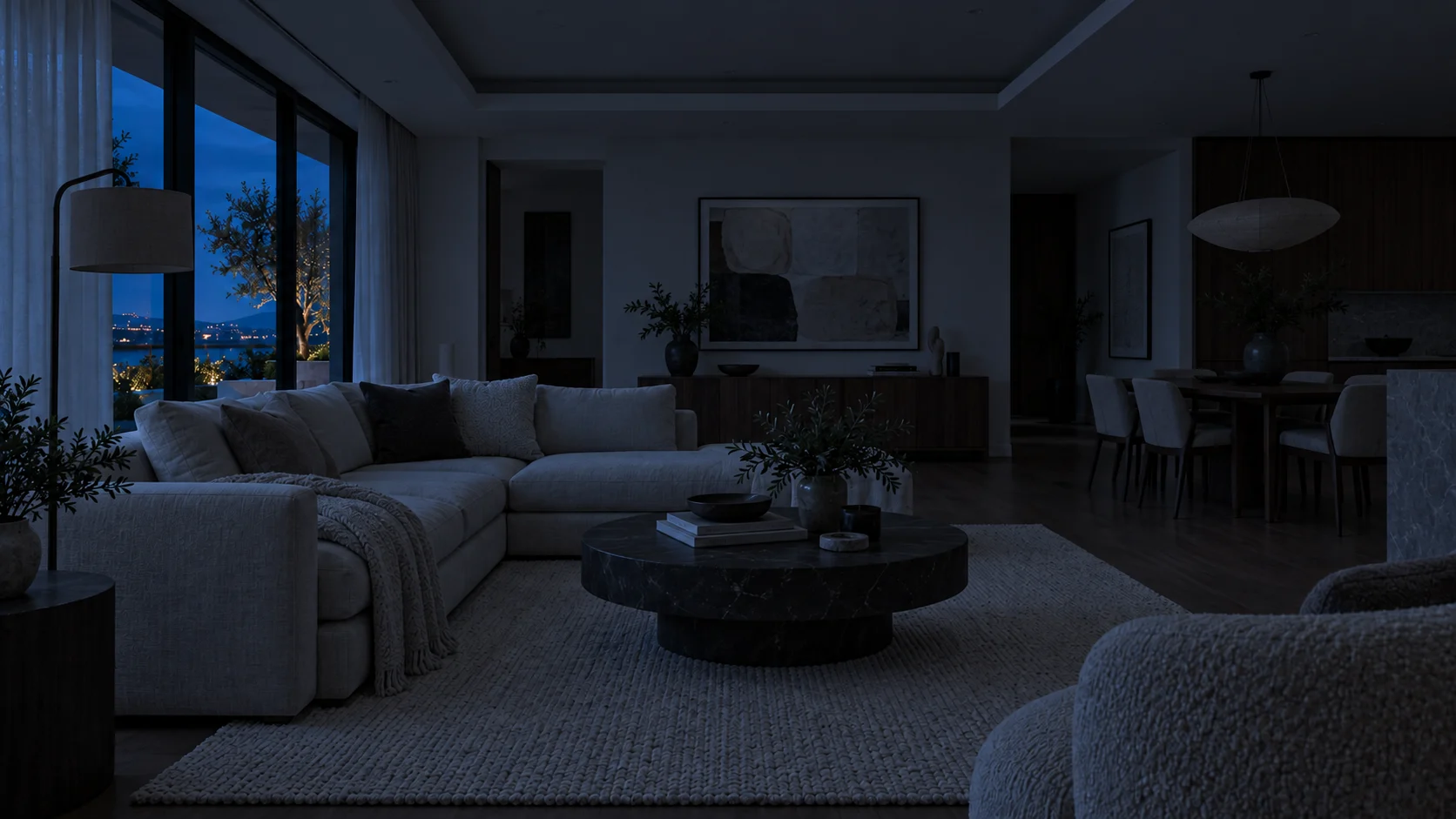
Try a scene
One room. Six possibilities.
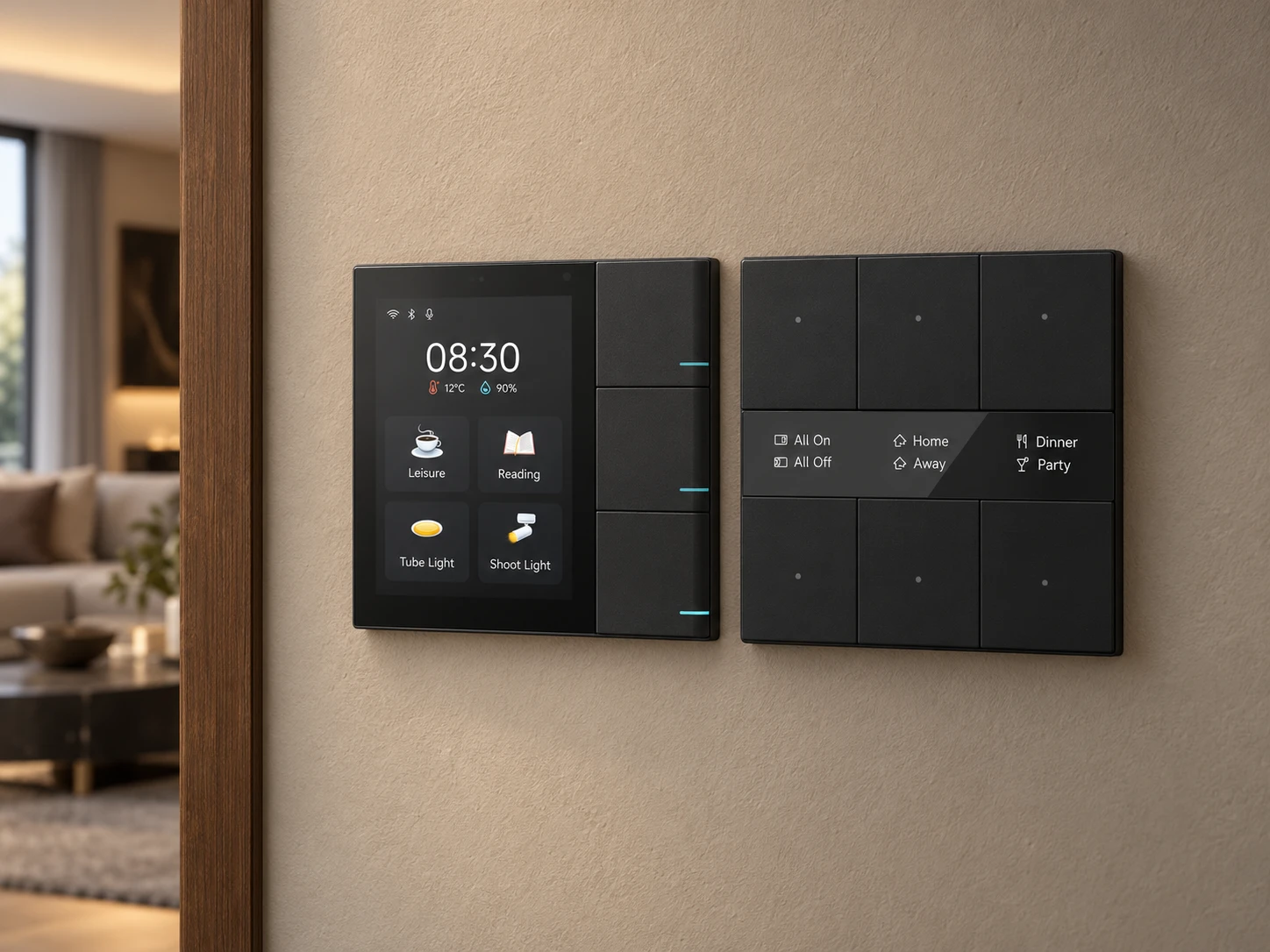
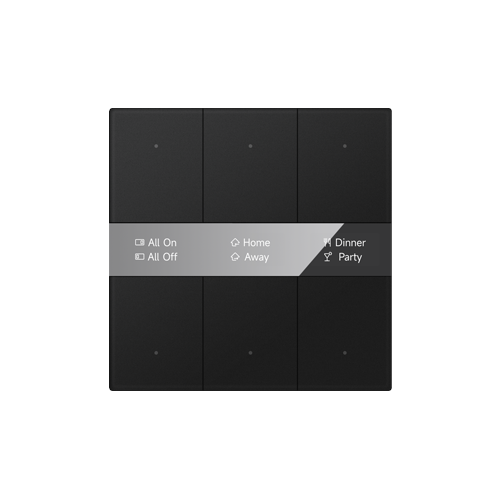
Press a button on the GVS control and watch the room change.
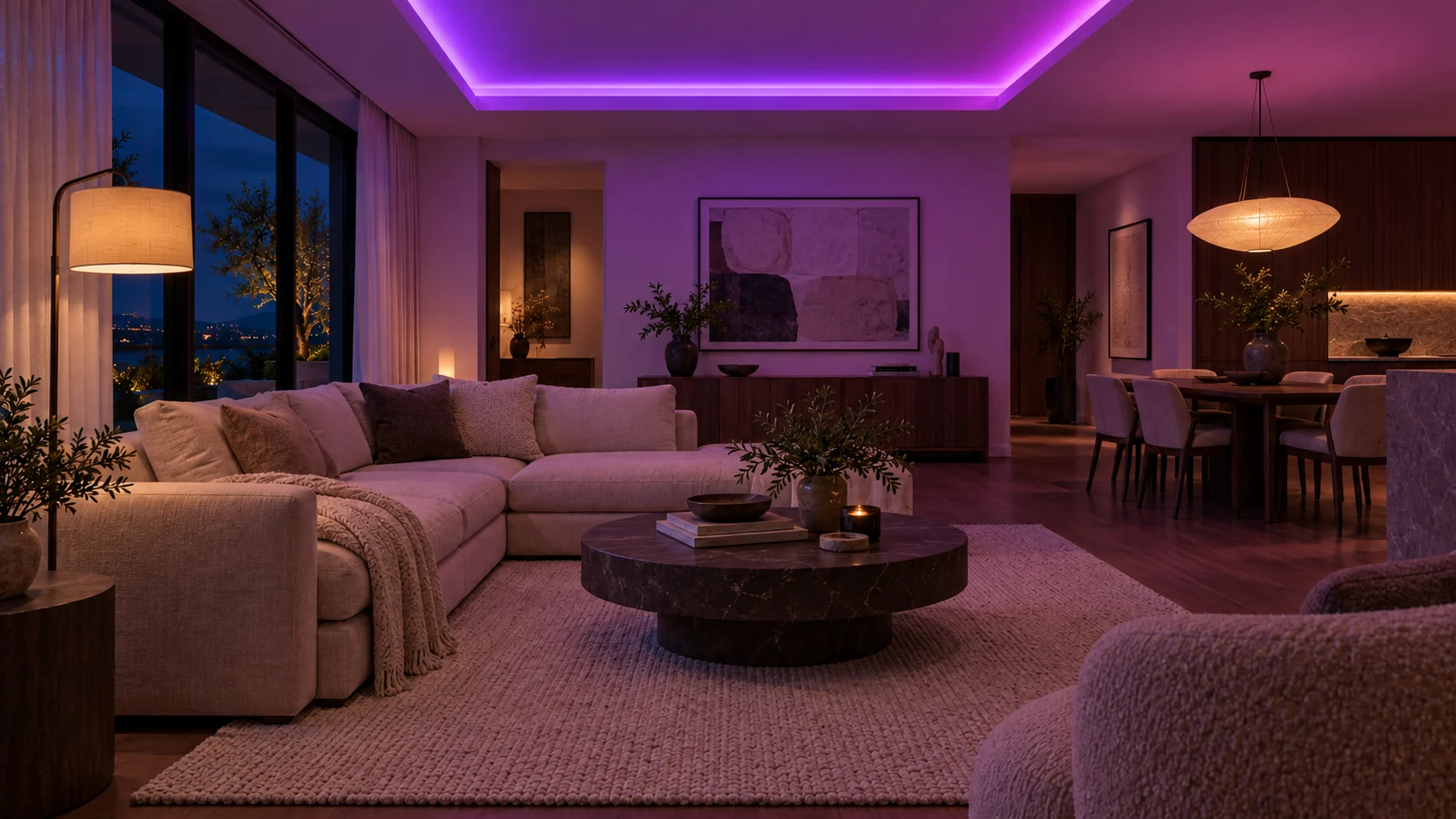
Selected scene Home
GVS S series · 3-gang / 6 buttons
Tap the upper or lower button in each column.
Home
Loading scene…
Interactive simulation with AI-generated room imagery. Scene assignments are examples; functions depend on programming and compatible equipment. Colour scenes require colour-capable lighting.
Before choosing, confirm dimensions, mounting box, available finishes and fit with your wall details.
Official GVS and Ekinex product photography. Ekinex entries show selected product families, not every variant. Images show specific variants; finishes, configurations, compatibility and availability are confirmed in your proposal. Products are not shown to a common scale.
The technology behind the experience.
KNX
A standard used to connect home and building controls.
DALI
A standard used for digital lighting control.
How do KNX and DALI work together?
A compatible gateway can connect a KNX control system to DALI lighting. The design depends on the selected devices and the lighting functions required.
Can this work in an existing home?
Possibly. Existing wiring, equipment and access will shape the options. Start with a review of the property before deciding on a system.
Will the system work without internet?
Local control can be designed to operate without an internet connection. Remote access, streaming, voice assistants and cloud services may still need internet. We identify these dependencies during design.
Can different brands work together?
Compatible KNX and DALI products can be combined within a planned system. Individual functions and third-party integrations still need compatibility checks; sharing a protocol does not guarantee every feature will work together.
Can you work with my existing non-KNX smart home?
Often, yes—you may be able to keep compatible devices and connect them to a KNX system through a suitable gateway or integration server. We review the exact brands, models, hubs and apps you already use to confirm which functions can work together, whether internet or cloud services are required, and what may need replacing. A shared app or scene does not make every device a KNX device. Send us your device list or model photos so we can assess a practical upgrade path.
Can I control the system from my phone?
Phone control can be included using a compatible app, controller or gateway. Local and remote access have different network and security requirements, which we define in the proposal.
Can I expand the system later?
Future expansion can be planned through spare wiring, panel capacity and suitable network infrastructure. Additional functions depend on available capacity, device compatibility and any installation work required.
Connect enquiries, documents and daily work. We design practical workflows with AI assistance where useful—so your team can review, approve and follow through more easily.
Start with one workflow. No smart-home installation required.
Unreliable Wi-Fi, disconnected controls or uncomfortable lighting? Share the issues and equipment models. We can scope a review to identify what to retain, reconfigure, repair or replace. Compatibility, assessment fees and any follow-on work are confirmed before proceeding.
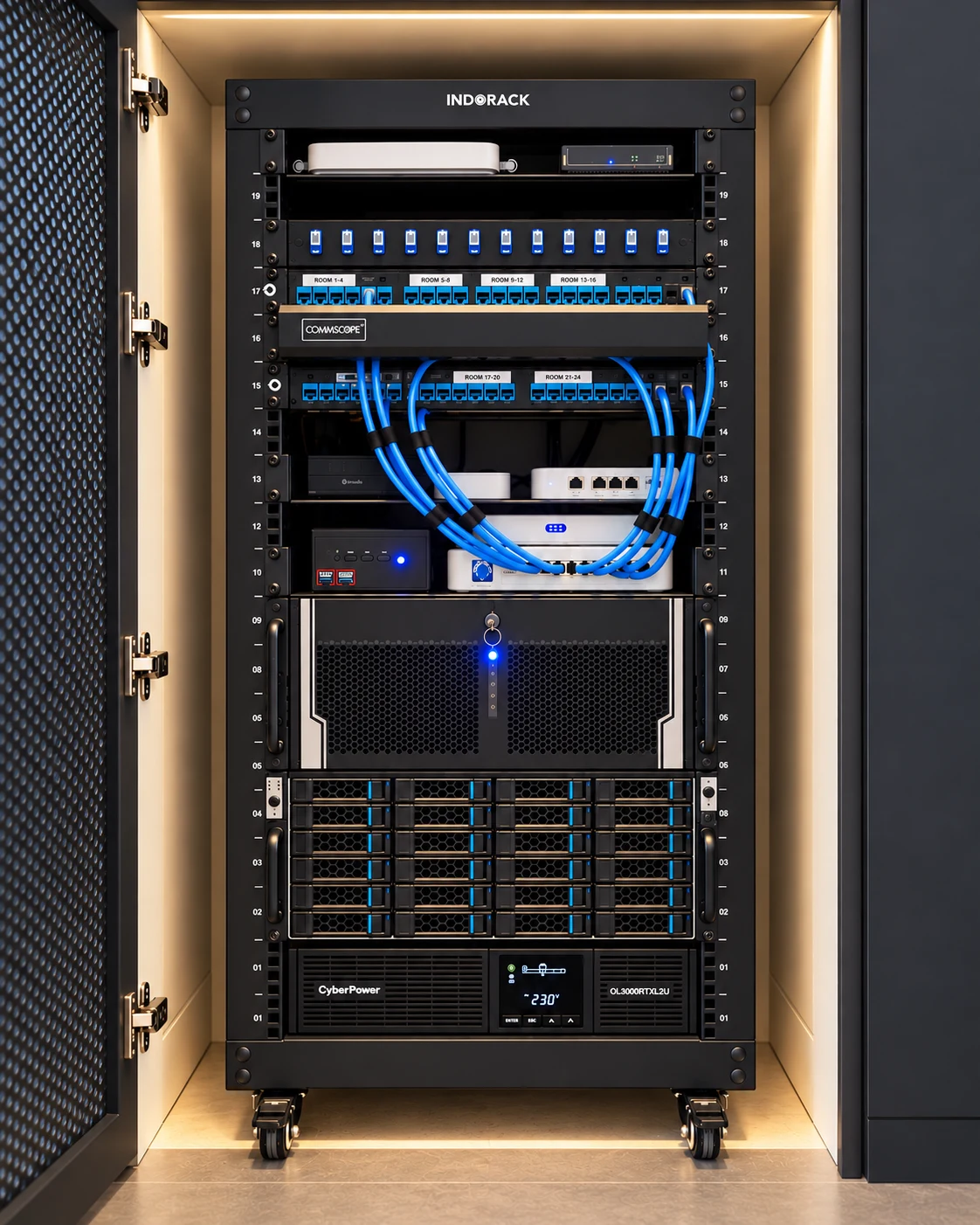
Involve Kinexis early to coordinate control positions and finishes, lighting groups, sensors, Wi-Fi points, rack space and cable routes with your architect, interior designer and contractor. Coordination drawings and sample selection are defined within the design scope.